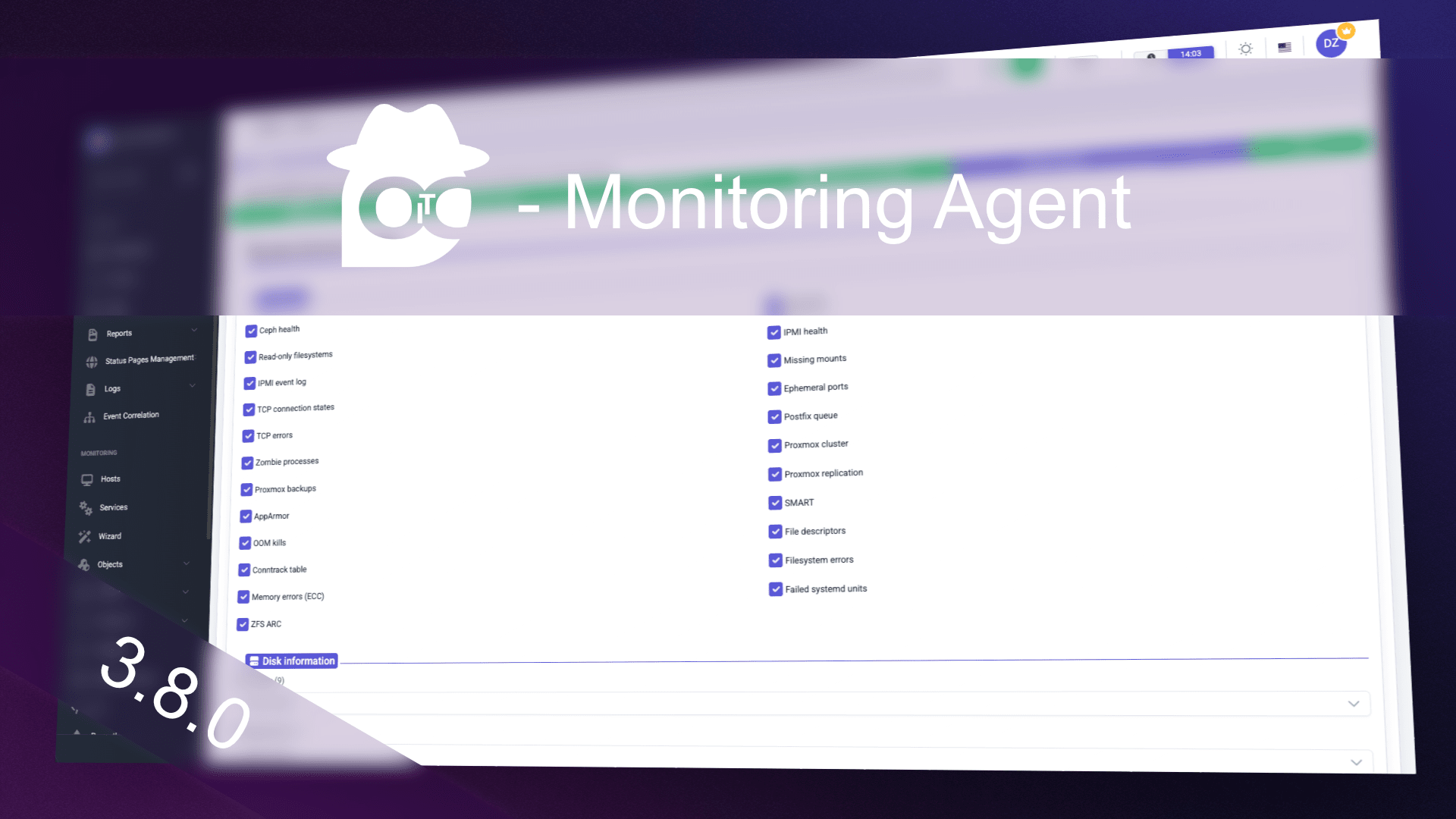
The openITCOCKPIT Monitoring Agent 3.8.0 has been released! The agent now runs on IBM AIX, monitors the GPUs of your servers and workstations, and reads custom checks from drop-in directories, so you can easily roll out single checks with Ansible, Puppet and similar tools.
Highlights
- IBM AIX: the agent supports AIX 7.3 on POWER, including LPAR, errpt, MPIO and PowerHA SystemMirror
- GPU monitoring: NVIDIA, AMD and Intel GPUs on Linux and Windows
- Drop-in config directories:
customchecks.d/*.iniand more for automated deployments - FreeBSD packages with an rc.d script
- Disk usage: an unreachable NFS server no longer blocks the disk check
- Security: support for your own CA in push mode and stricter file permissions
IBM AIX
With version 3.8.0, the agent supports AIX 7.3 on POWER. It is available as a RPM package, which registers the agent with the System Resource Controller (SRC), and as a standalone binary.
The agent reads its values with libperfstat and the commands AIX already ships with. Root permissions are only required to monitor PowerHA SystemMirror and the sendmail mail queue.
The basics are all covered: CPU, memory, paging spaces, load, disk usage including inodes, disk I/O, network interfaces and network I/O, processes, users, NTP, network ports and missing mounts of /etc/filesystems. The CPU check uses the PURR and reports the consumed physical processors (physc), so you also get meaningful values on shared processor partitions.
On top of that, there are new checks made for AIX:
- LPAR: shared and dedicated partitions
- SRC subsystems
- AIX error log (
errpt) - Volume groups
- Multipath (MPIO)
- Network adapters: EtherChannel, Network Interface Backup and IEEE 802.3ad
- PowerHA SystemMirror: cluster, nodes, resource groups and applications
- Sendmail mail queue
Custom checks, logfiles, certificates, files, HTTP(S) and Redfish work on AIX as well.
GPU monitoring
The new gpus check is enabled by default and only reports data if a supported GPU is found.
NVIDIA GPUs are monitored with nvidia-smi on Linux and Windows. Besides utilization, memory, temperatures, power, clocks and throttle reasons, the agent reports ECC errors, retired pages, remapped rows, the PCIe link, the fabric state and the recommended recovery action. On Linux, it also reads the Xid and SXid errors from the kernel log and detects GPUs which have fallen off the bus.
AMD GPUs are supported on Linux with the amdgpu driver, including older APUs.
Intel GPUs are supported on Linux, including the memory of dedicated GPUs.
On Windows, the agent monitors the GPUs of all vendors. It uses D3DKMT, the same interface as the Task Manager.
The agent also reports problems of the GPU drivers: TDR events and driver errors from the System event log on Windows, GPU hangs and resets of the amdgpu driver on Linux.
Drop-in config directories
Until now, all custom checks had to be defined in a single file. This made it difficult to deploy a check to selected hosts only, for example when using configuration management tools like Ansible or Puppet.
The agent now also reads all *.ini files of a directory with the same name and the extension .d. For example, next to customchecks.ini you can create the file customchecks.d/10-my-app.ini:
[check_my_app]
  command = /opt/my-app/bin/check_my_app
  interval = 60
  timeout = 10
  enabled = true
Drop-in directories are available for custom checks , logfiles, certificates, files, HTTP, performance counters, Redfish and the Prometheus exporters. The files are read in alphabetical order after the main file. If a later file contains a section with the same name, it replaces the earlier one, for example to disable a check with enabled = false.
| Directory | Main file | Definitions |
|---|---|---|
customchecks.d |
customchecks.ini |
Custom checks |
logfiles.d |
logfiles.ini |
Logfiles |
certificates.d |
certificates.ini |
Certificates |
files.d |
files.ini |
Files and directories |
http.d |
http.ini |
HTTP(S) |
perfcounters.d |
perfcounters.ini |
Windows Performance Counters |
redfish.d |
redfish.ini |
Redfish (BMC) |
prometheus_exporters.d |
prometheus_exporters.ini |
Prometheus exporters |
In case config-update-mode is enabled (not recommended at all!) in the config.ini of the agent, openITCOCKPIT will only update the main files and never touch the drop-in directories.
Please make sure that only root or Administrators are allowed to write to these directories, as the agent runs the custom checks with its own permissions.
An invalid custom check, for example without a command, is now skipped with an error. Before, it disabled all custom checks.
Platform improvements
FreeBSD
- Packages with an
rc.dscript are now available. Install the agent withpkg add openitcockpit-agent-3.8.0.freebsd-amd64.txz
Docker
- The agent now uses the Go client of Docker 29 and negotiates the API version with the Docker daemon. The Docker check works with Docker 19.03 and newer.
Linux
- The users check no longer fails on systems without
/run/utmp, such as Debian 13 and Ubuntu 26.04. The agent reads the logged in users vialoginctlinstead. Known limitation: SSH logins of OpenSSH 10 (e.g. Debian 13) are not reported yet. We have submitted a fix to the gopsutil project - The mount options report
roif a filesystem was remounted read-only after errors
Windows
- Fixed high CPU usage of the agent after running custom checks such as PowerShell scripts
- Faster process list and correct CPU times on systems with several processor groups
macOS
- The temperatures of
sp78sensors are no longer reported as 0
Disk usage
- Filesystems which do not respond, such as a hard NFS mount of an unreachable server, are reported as
hanginginstead of blocking the check on Linux, macOS, FreeBSD and AIX
Software inventory
- Linux: architecture and source package of all packages (pacman: architecture only), the modularity label of AppStream packages and the running kernel release
- macOS: bundle identifier of the apps
- Windows: apps without a publisher are no longer dropped from the inventory
- FreeBSD and AIX: the software inventory is reported as disabled, so openITCOCKPIT no longer suggests a “System Updates” service which stays UNKNOWN
Security
- Push mode: use the new option
server-ca-fileto trust your own CA or a self-signed certificate of your openITCOCKPIT server. This makes it possible to enableverify-server-certificate - AutoSSL: certificate updates are logged with the address of the sender and the fingerprint of the new CA. A warning is logged if the CA of another server gets replaced
- HTTP basic authentication: username and password are compared in constant time
- Linux packages: all
.inifiles of new installations are only readable by root, as they can contain passwords
Before you update
- Windows: processes which a custom check leaves running in the background are now terminated after the check has finished, like on Linux and macOS. Please start long-running processes as a service instead
- Custom checks: checks without a
commandare now skipped one by one. Before a single invalid check would disable all custom checks, now only the invalid one is skipped. - Linux: the update does not change the permissions of existing
.inifiles. Runchmod 600 /etc/openitcockpit-agent/*.inito restrict them as well
Update
The openITCOCKPIT Monitoring Agent 3.8.0 is available on our download page. To make use of all new checks, openITCOCKPIT 5.10.0 is required.
The Windows and macOS builds are digitally signed by AVENDIS (Allgeier ITS).
Please report problems and ideas in our GitHub repository.
Happy monitoring!
This blog post was written with AI assistance.