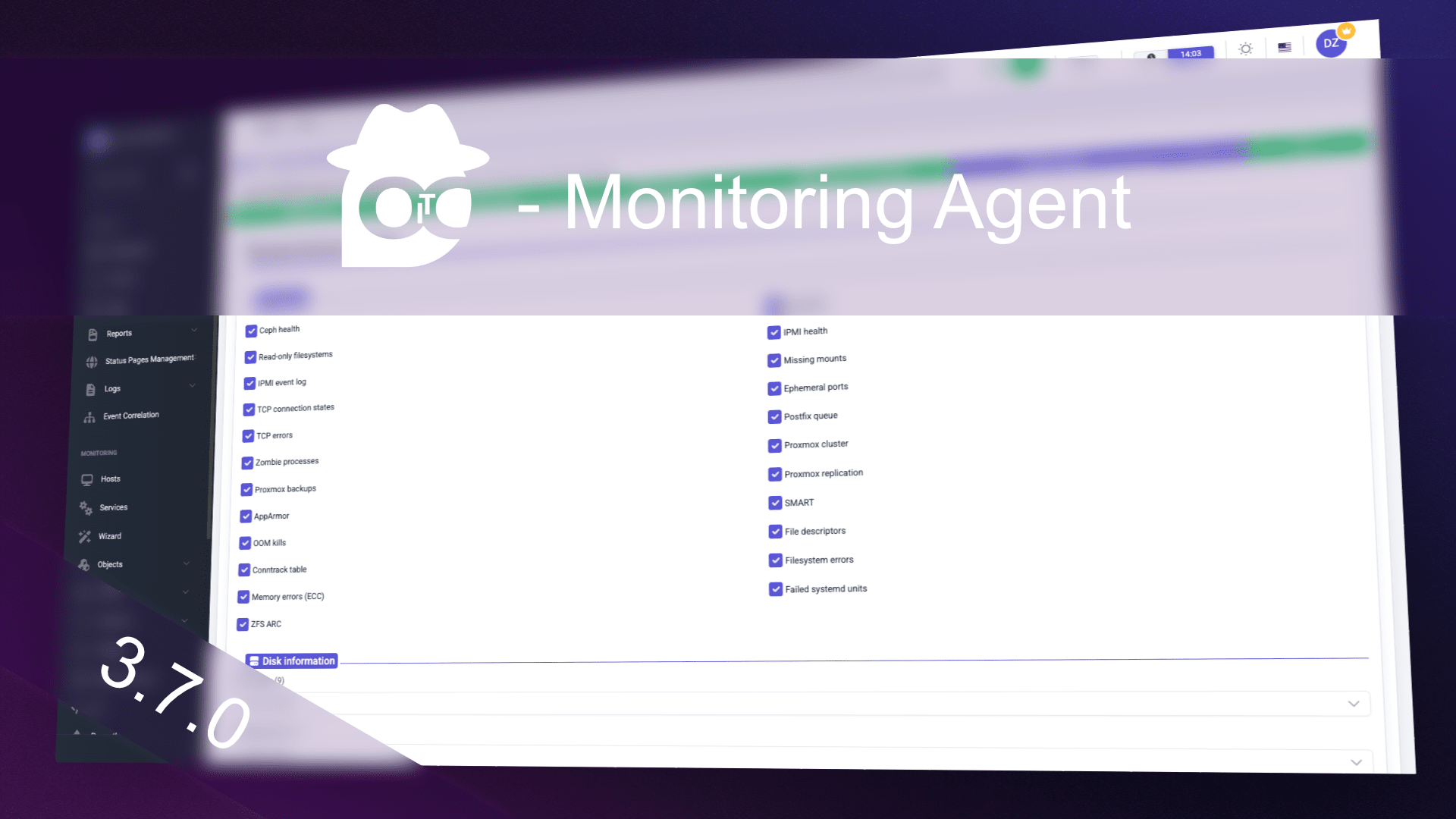
The openITCOCKPIT Monitoring Agent 3.7 is the biggest update of the agent for a long time. It adds 19 new checks: logfiles and certificates, hardware monitoring through IPMI and Redfish, ZFS, Ceph and Proxmox VE, mail queues, security features of the operating systems and many Windows specific checks. In addition, a lot of work went into stability, performance and the software inventory.
All new checks are available for the agent in pull and push mode and come with matching service templates in openITCOCKPIT, so they can be created with a few clicks in the agent wizard (requires openITCOCKPIT 5.9.0).
The agent is fully backwards compatible with previous openITCOCKPIT versions and vice versa, meaning older agents will continue to work with the new openITCOCKPIT server.
Highlights
- Logfile monitoring for text files, journald and the macOS unified log
- Certificate monitoring of files, TLS endpoints and the Windows certificate store
- Hardware monitoring of servers through IPMI (local BMC) and Redfish (via network), plus S.M.A.R.T.
- ZFS, Ceph, Proxmox VE and LVM thin pools
- Security status: firewalls, Microsoft Defender, BitLocker, SELinux, AppArmor, FileVault and SIP
- Windows: scheduled tasks, performance counters and a new, faster event log method
- Network ports: listening ports and TCP connection states
- gzip compression of the check results, about 90 % less traffic
Logfiles, certificates, files and web services
Logfiles: The agent searches logfiles for regular expressions and reports the number of matches and the latest matching lines within a time window. Supported sources are plain text files (also with wildcards and log rotation), journald on Linux and the unified log on macOS. Only the matching lines are transmitted, not the whole file.
Certificates: Monitor the expiration date and validity of certificates in files (PEM, DER, certificate chains),
of TLS endpoints like web, mail or LDAP servers and of the Windows certificate store, e.g. LocalMachine\My.
Files and directories: Check if files exist, how old and how big they are, or how many files a directory contains. Typical use cases are backup files, export directories or files that must not grow too large.
HTTP(S): Check web services and APIs directly from the server: status code, response time, content of the response, redirects and TLS errors.
These checks are configured in their own INI files next to the config.ini (logfiles.ini, certificates.ini,
files.ini, http.ini). Commented examples are part of the installation.
Hardware monitoring
IPMI: The agent reads the sensors, the chassis status and the system event log (SEL) of the local BMC directly
through the IPMI driver of the operating system (in-band). Neither ipmitool nor network access to the BMC is
required. This works on Linux (/dev/ipmi0) and on Windows (Microsoft IPMI driver).
To test the IPMI check against as many servers as possible, we published the read-only tool oitc-ipmi-dump. If you would like to help, please send us a dump of your servers, especially from vendors and models we do not have yet.
Redfish: Servers with a modern BMC (e.g. Dell iDRAC, HPE iLO, Lenovo XClarity, Supermicro) are monitored through
the Redfish API over the network: overall health, sensors, power supplies, storage and the event log. The BMCs and
their credentials are configured in redfish.ini.
S.M.A.R.T.: The health of HDDs, SSDs and NVMe drives via smartctl on all platforms.
System health (Linux): Software RAID (mdraid), OOM kills, file descriptors, conntrack table, pressure stall information (PSI), network bonding, filesystem errors and ECC memory errors (EDAC).
Storage and virtualization
- ZFS (Linux and FreeBSD): pool state, capacity, scrubs and data errors as well as the ARC
- Ceph: cluster health, OSDs and capacity
- Proxmox VE: cluster, storages, virtual machines and containers, backups and replication jobs
- LVM thin pools, inode usage and missing mounts from the
fstab
Mail queues
The size and age of the mail queues of Postfix and Exim on Linux and FreeBSD.
Security
The agent reports the state of the security features of the operating system:
- Windows: firewall profiles, Microsoft Defender and other antivirus products, BitLocker
- Linux: SELinux, AppArmor and the firewall
- macOS: FileVault, System Integrity Protection (SIP) and the application firewall
Network ports
The new network ports check lists all listening TCP and UDP ports together with the processes behind them, counts the TCP connection states, monitors the usage of the ephemeral ports and, on Linux, the TCP errors. This makes it easy to detect services that stopped listening or new ports that suddenly appeared.
Windows
- Scheduled tasks: state, last result and missed runs of the tasks of the Task Scheduler
- Performance counters: any Windows performance counter can be monitored, configured in
perfcounters.ini - Event log: The new method
EvtApireads the event log directly through the Windows Event Log API, without WMI or PowerShell, and only queries new entries - Services: delayed and trigger start as well as the exit code of stopped services are reported, so automatic services that are not running can be detected reliably
- Windows on ARM64 is fully supported
Docker
Besides the resource usage, the agent now reports the result of the container healthchecks and detects containers in a restart loop.
Improvements under the hood
- gzip compression: The check results are compressed, for both pull and push mode. On a Proxmox VE host the transmitted data shrinks from about 200 KB to 23 KB.
- CPU usage: The CPU check reports the average usage of the whole check interval instead of a short sample.
- NTP on macOS and FreeBSD: The time offset is now measured with SNTP against the configured time server.
- Stability:
- The agent keeps running when the disk is full and the logfile can not be written.
- Check runs no longer pile up if checks take longer than the check interval.
- All background tasks shut down cleanly on stop and reload, e.g. Redfish sessions get logged out.
SIGTERMis handled likeCtrl+C.
- Software inventory:
- Packages that were removed on Debian and Ubuntu, but whose configuration files still exist, are no longer reported as installed.
dnf5(Fedora 41 and newer) is supported.- The list of installed packages is reported even if the update check fails, e.g. because a repository is not reachable.
- Windows:
- Several fixes for non-English Windows installations.
- Clearer error messages if the WMI performance classes are damaged.
- The installer now creates missing configuration files on updates, without overwriting your changes.
--version:openitcockpit-agent --versionprints the version number, e.g. for configuration management tools like Ansible.
Update
The new version is available for Windows, Linux, macOS and FreeBSD on all supported architectures. Existing installations can be updated as usual through the package repositories or the installers. Existing configuration files are not changed. All new checks are enabled by default, but only run where the corresponding feature is available, e.g. the ZFS check only on systems with ZFS. Checks that need their own INI file are only active once the file contains at least one definition.
Please report problems and ideas in our GitHub repository.
Happy monitoring! 🎃 👻